How to Use the “Radha Radha” Thumbnail Prompt in 5 Easy Steps (Beginner Friendly Guide)
Creating a beautiful and eye-catching YouTube thumbnail is one of the most important parts of growing your channel. A great thumbnail attracts clicks, increases views, and helps your video stand out from thousands of others.
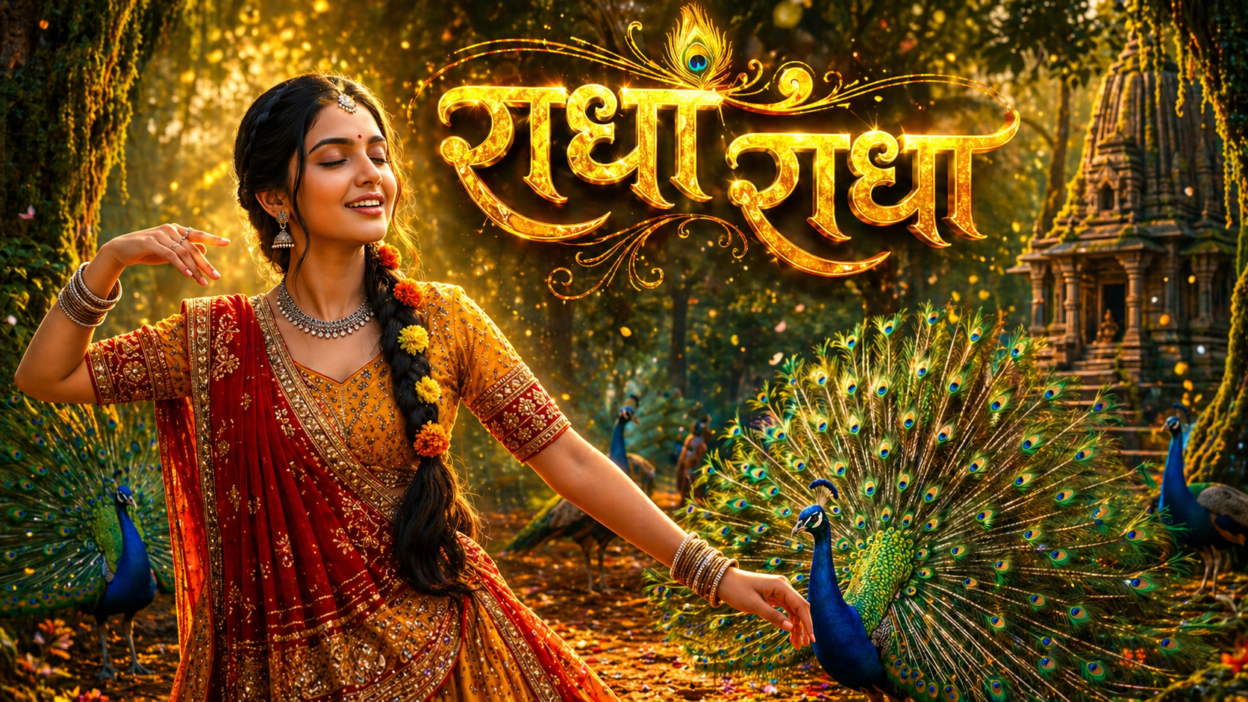
If you create devotional content, bhajans, Radha Krishna reels, spiritual shorts, or YouTube videos, then the “Radha Radha” cinematic thumbnail prompt can help you design a premium-looking thumbnail in just minutes.
The best part? You don’t need advanced graphic design skills. You simply need the right AI image prompt and a few simple steps.
In this guide, we’ll show you how to use this prompt in 5 easy steps so even beginners can create stunning thumbnails.
Why This Thumbnail Prompt Works So Well
This prompt is specially designed for devotional and spiritual content. It includes:
- Divine Radha-inspired visuals
- Bright peacock feathers and forest background
- Golden cinematic lighting
- Attractive Hindi title text
- Premium YouTube thumbnail style
- High click-through rate design appeal
This means your thumbnail looks professional, emotional, and highly clickable.
How to Use This Prompt in 5 Easy Steps
Step 1: Choose an AI Image Generator
First, open any AI image generator platform that supports text prompts. You can use tools like:
- ChatGPT Image Generator
- DALL·E
- Midjourney
- Leonardo AI
- Adobe Firefly
- Bing Image Creator
Choose the one you feel comfortable using.
Step 2: Copy the Exact Prompt
Now copy the full thumbnail prompt and paste it into the AI tool prompt box.
Make sure you copy everything including:
- Main scene description
- Lighting details
- Title text instruction
- Negative prompt
- Aspect ratio 16:9
The more complete the prompt, the better the result.
Step 3: Set Thumbnail Size to 16:9
For YouTube thumbnails, the best ratio is 16:9.
Recommended sizes:
- 1280 × 720 px
- 1920 × 1080 px
This ensures your image fits perfectly on YouTube without cropping important details.
Step 4: Generate and Pick the Best Version
Most AI tools generate multiple images. Choose the one that looks:
- Bright and clear
- Emotionally attractive
- Professional
- Easy to read
- Center focused
If needed, regenerate once or twice for an even better result.
Step 5: Final Edit and Upload to YouTube
Once your thumbnail is ready, make final edits using Canva or Photoshop:
- Increase sharpness
- Boost contrast slightly
- Improve text visibility
- Add glow effects
- Resize properly
Then upload it to your YouTube video.
Your premium devotional thumbnail is ready!
Use this Exact Thumbnail Prompt
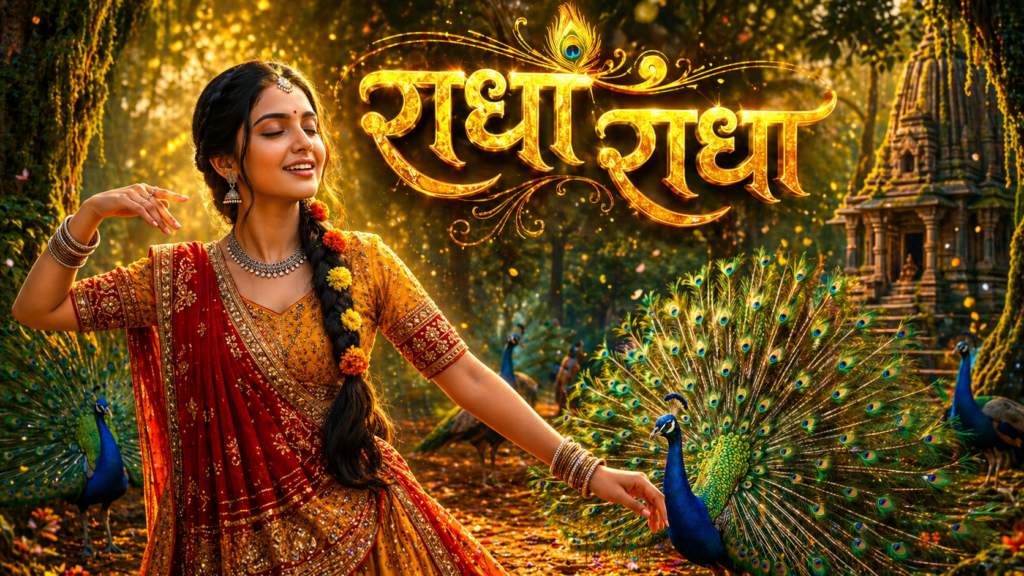
Create a stunning cinematic YouTube thumbnail inspired by the uploaded image. A divine Indian girl dressed as Radha in a vibrant red and golden lehenga, dancing gracefully in an enchanted forest surrounded by majestic peacocks with fully opened feathers. Add dramatic golden sunlight rays piercing through the trees, glowing particles floating in the air, magical mist, rich green jungle atmosphere, and ancient temple ruins in background. Enhance beauty with detailed jewelry, expressive smile, flowing braid decorated with flowers. Make the peacock feathers extra vibrant and luminous. Add strong depth of field, ultra realistic textures, cinematic contrast, HDR lighting, warm orange and teal color grading.

Place bold glowing Hindi title text: "राधा राधा" in large stylish golden 3D font with divine aura, sparkles, and subtle shadow at top center. Add high clickbait emotion, premium devotional vibe, visually powerful composition. Make subject larger and closer for thumbnail impact. Hyper detailed, ultra sharp, 4K, trending YouTube thumbnail style.

Negative Prompt: blurry, dull colors, low quality, watermark, text cut, extra fingers, distorted face, bad anatomy, dark image, messy background.

Aspect Ratio: 16:9
Pro Tips for Better Results
Use Bold Text
Large golden Hindi text grabs attention quickly.
Keep Faces Clear
Human faces increase click-through rates.
Use Bright Colors
Gold, red, blue, and green work great for devotional thumbnails.
Test Variations
Generate 2–3 versions and compare performance.