All blog posts
Explore the world of design and learn how to create visually stunning artwork.
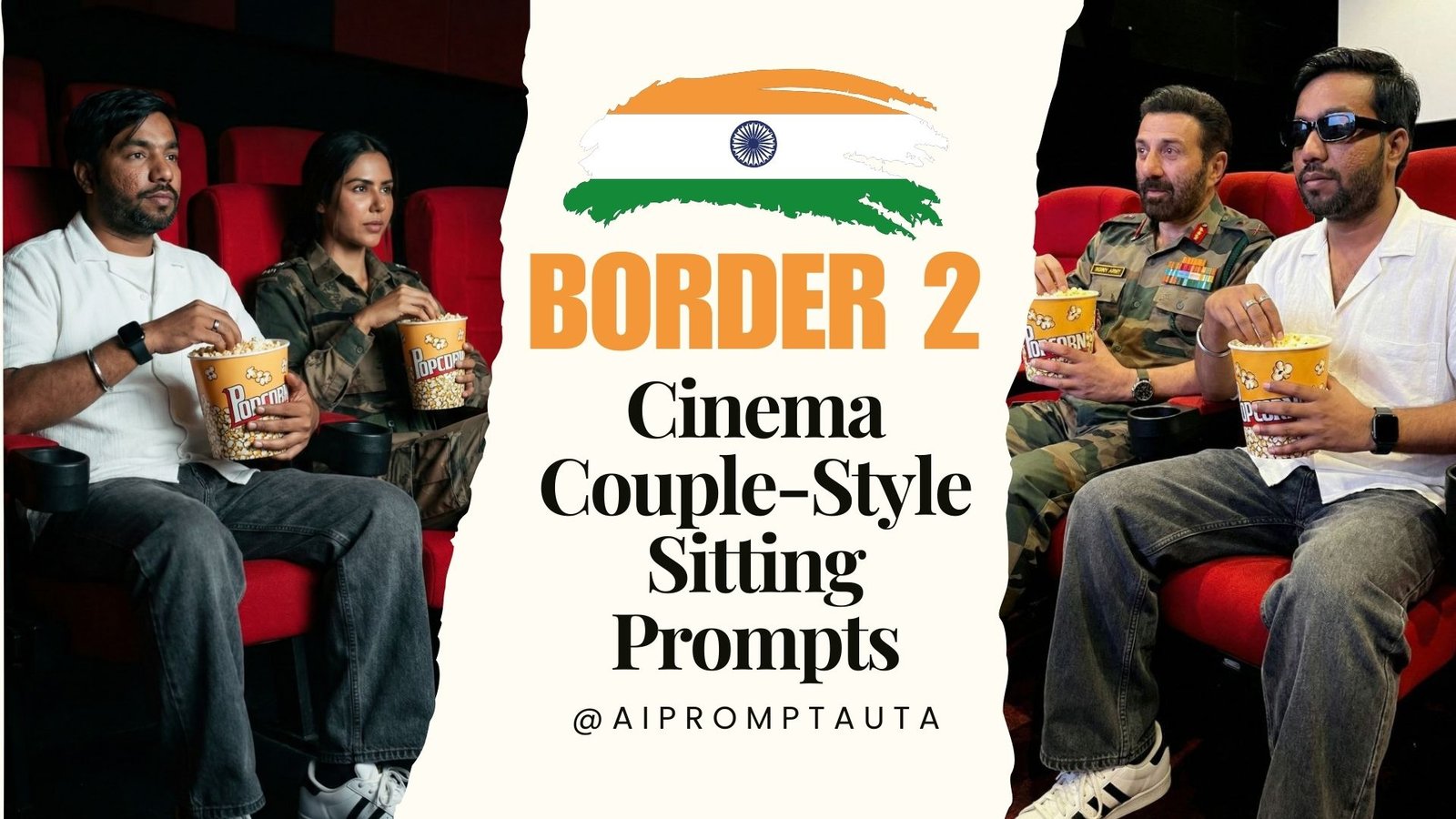
🎬 Create Ultra-Realistic Cinema Hall Photos with Celebrities Using Gemini 3.1
January 26, 2026 | by AIPromptAura
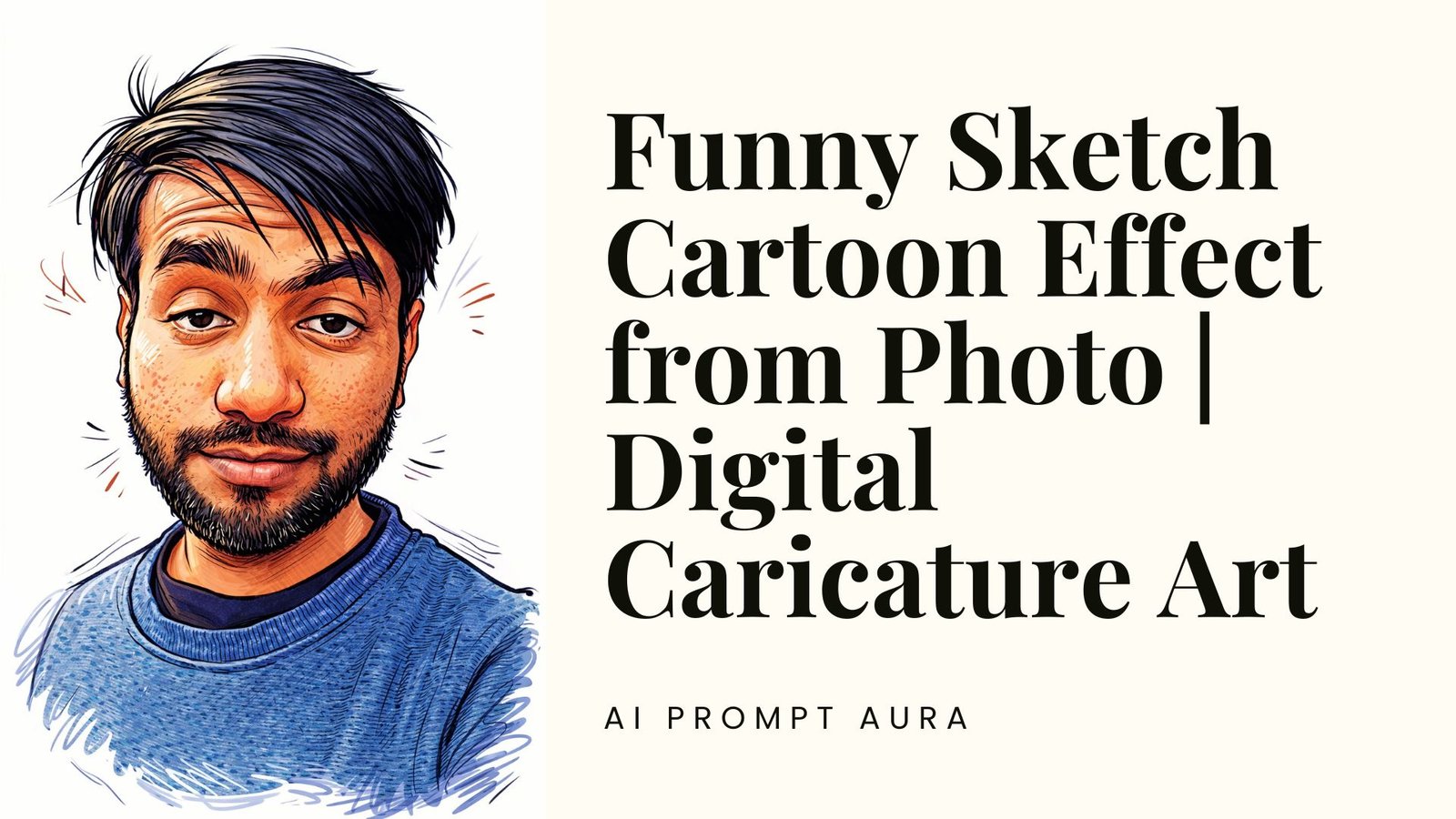
Funny Sketch Cartoon Effect from Photo – Turn Your Portrait into a Lively Digital Caricature
January 17, 2026 | by AIPromptAura
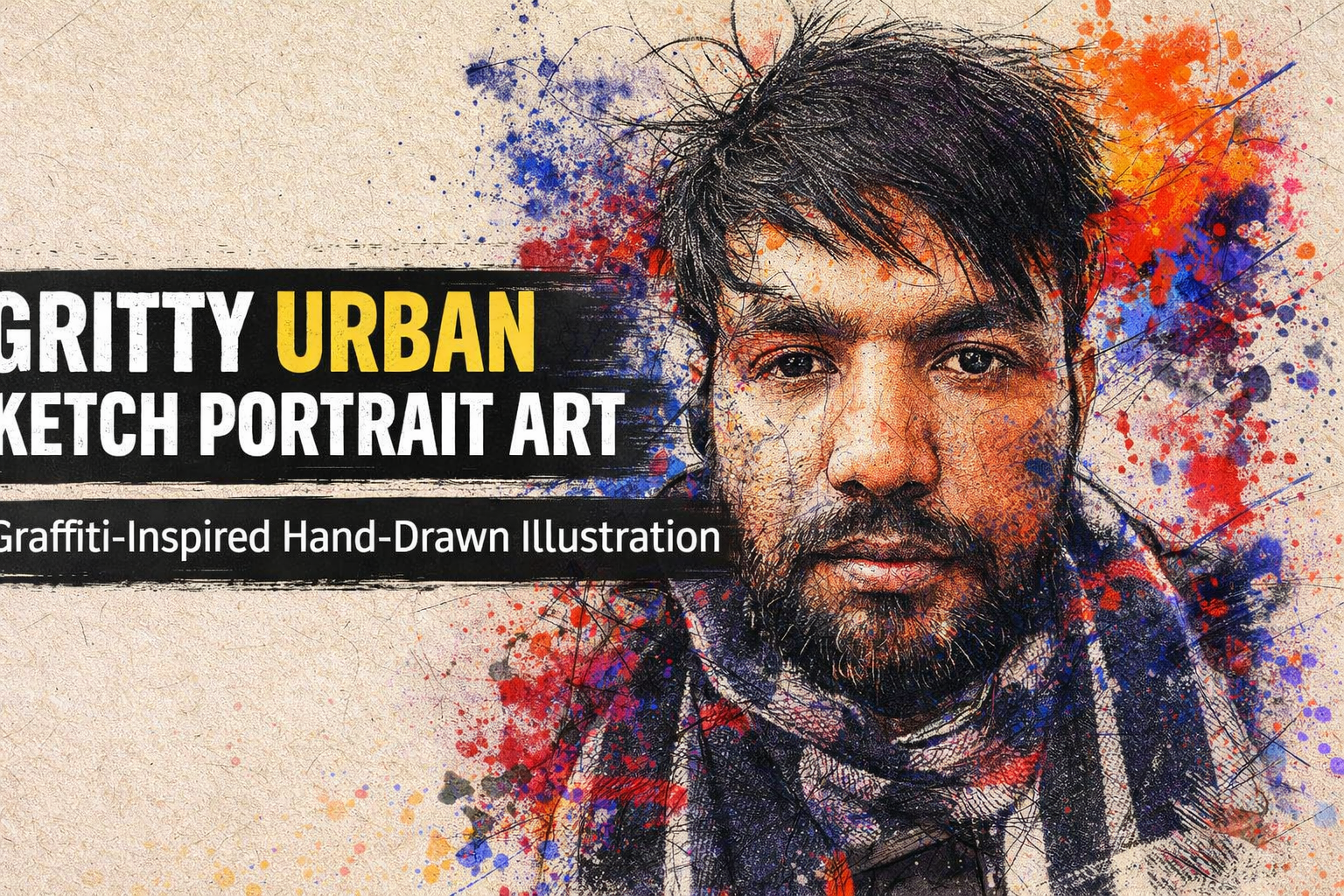
Gritty Urban Sketch Portrait Art: Graffiti-Inspired Hand-Drawn Illustration with Raw Street Aesthetics
January 6, 2026 | by AIPromptAura

Ink & Gold: A Futuristic Hand-Drawn Portrait Blending Sacred Geometry, Science, and Human Aspiration
January 5, 2026 | by AIPromptAura

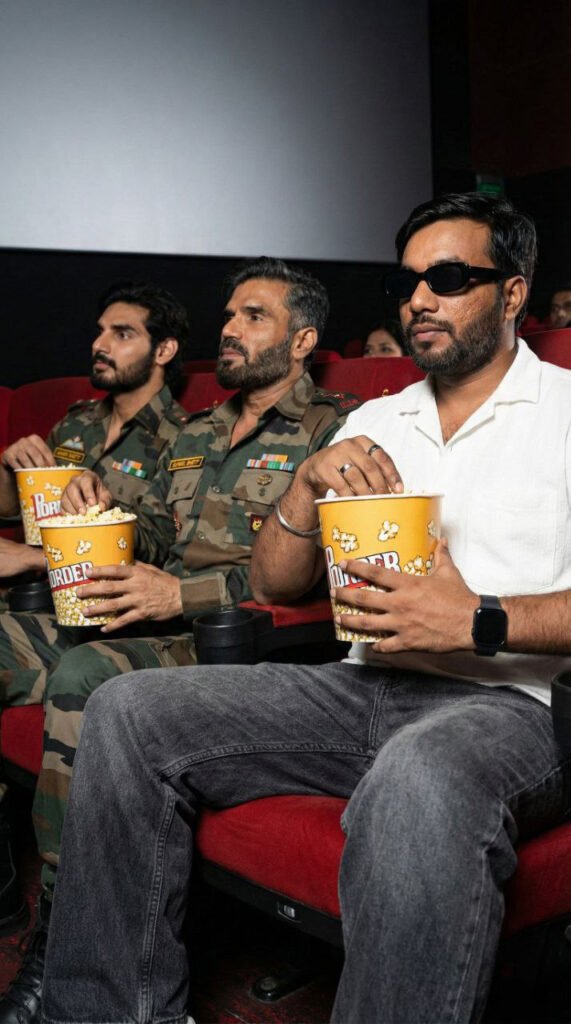
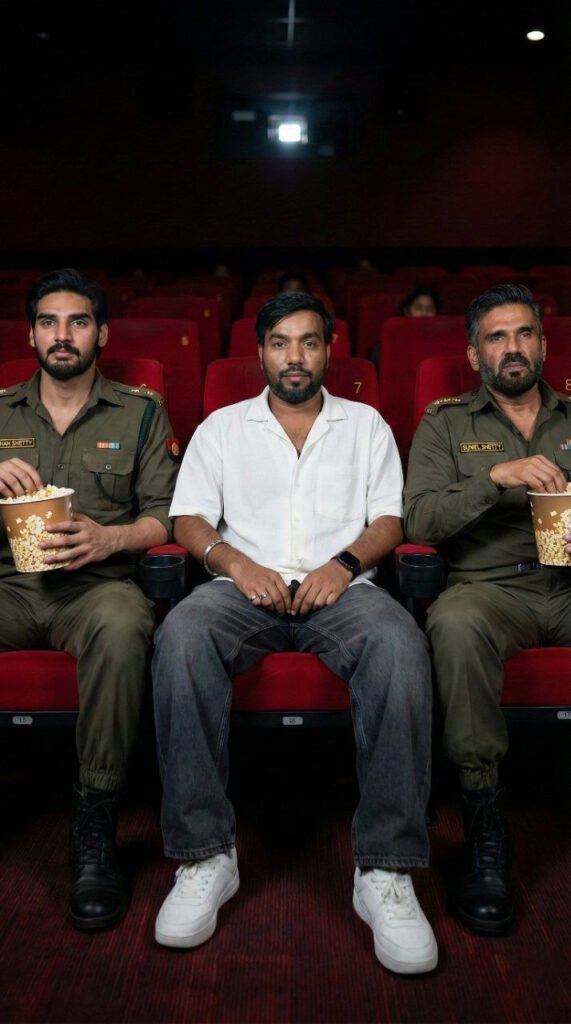
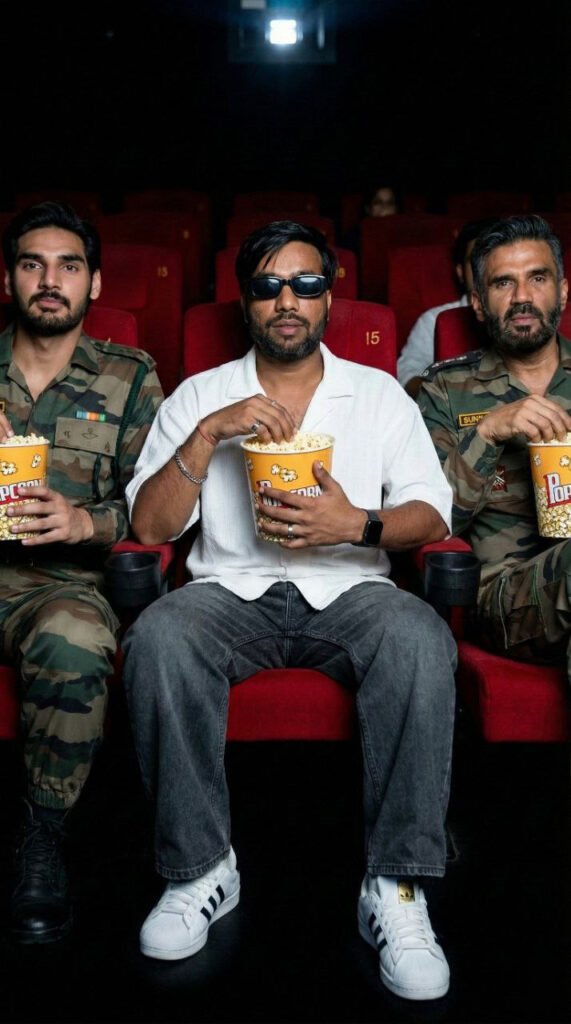
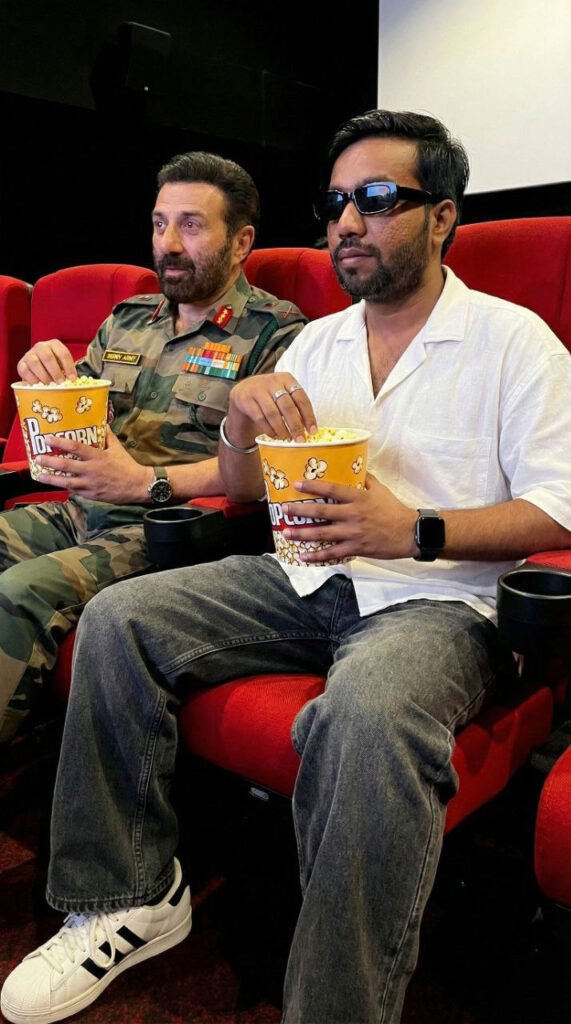
With AI tools like Google Gemini, creators can now generate cinematic, ultra-realistic images featuring themselves sitting in a cinema hall alongside Border 2 movie celebrities—without Photoshop, After Effects, or complex editing.
This guide walks you through exact steps to create movie-quality images while keeping your face 100% original.
🔹 PROMPT 1 (Basic Cinema Sitting – Neutral)
Keep the face 100% original and unchanged.
No face reshaping, no beauty filter, no AI facial modification.
Preserve real skin texture, facial features, expression, and identity exactly as the original.Create an ultra-realistic cinematic photo using the uploaded reference image as the base.
Main Subjects: Two characters sitting side-by-side in a cinema hall.
Young man (age 20–25), fair to wheatish skin tone, slim build.
Outfit Details: White short-sleeve casual shirt, loose fit.White Adidas-style sneakers with black stripes. Silver bracelet and ring on hand. Black Apple smartwatch. Rectangle black sunglasses. No extra accessories.
Character 2:
Actor Sunny Deol (Border 2 movie outfit).
Holding a popcorn bucket.Pose Details:
Both characters sitting on red cinema seats.
Facing forward, watching the movie screen.
Both holding popcorn buckets with both hands.
Relaxed posture, legs forward.
Natural lighting, cinematic depth of field.
Keep the face 100% original and unchanged.
No face reshaping, no beauty filter, no AI facial modification.
Preserve real skin texture, facial features, expression, and identity exactly as the original.

Create an ultra-realistic cinematic photo using the uploaded reference image as the base.

Main Subjects: Two characters sitting side-by-side in a cinema hall.
Young man (age 20–25), fair to wheatish skin tone, slim build.
Outfit Details: White short-sleeve casual shirt, loose fit.

White Adidas-style sneakers with black stripes. Silver bracelet and ring on hand. Black Apple smartwatch. Rectangle black sunglasses. No extra accessories.

Character 2:
Actor Sunny Deol (Border 2 movie outfit).
Holding a popcorn bucket.

Pose Details:
Both characters sitting on red cinema seats.
Facing forward, watching the movie screen.
Both holding popcorn buckets with both hands.
Relaxed posture, legs forward.
Natural lighting, cinematic depth of field.
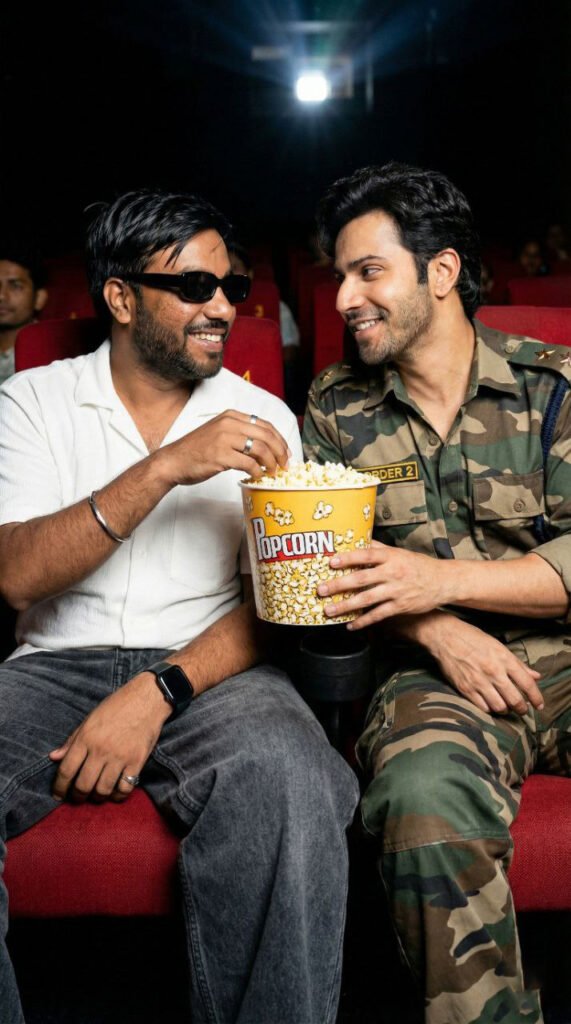
🔹 PROMPT 2 (Popcorn Share Deal – Friendly Moment)
Prompt:
Keep the face 100% original and unchanged.
No face reshaping, no beauty filter, no AI facial modification.
Preserve real skin texture, facial features, expression, and identity exactly as original.
Create an ultra-realistic cinematic photo using the uploaded reference image as the base.
Main Subjects:
Two characters sitting side-by-side in a cinema hall.
Character 1:
Young man (age 20–25), fair to wheatish skin tone, slim build.
Wearing a white short-sleeve casual shirt, dark grey wide-leg jeans, white Adidas-style sneakers.
Silver bracelet, ring, black Apple smartwatch, black rectangular sunglasses.
Calm, friendly expression.
Character 2:
Actor Varun Dhawan (Border 2 movie outfit).
Holding a popcorn bucket.
Pose & Action (Popcorn Share Deal):
Both characters softly smiling at each other.
Both holding the same popcorn bucket together.
Friendly “deal-done” moment.
One hand of each character touching the popcorn bucket.
Cinematic lighting, shallow depth of field.
🔹 PROMPT 3 (Classic Cinema Watching – Neutral)
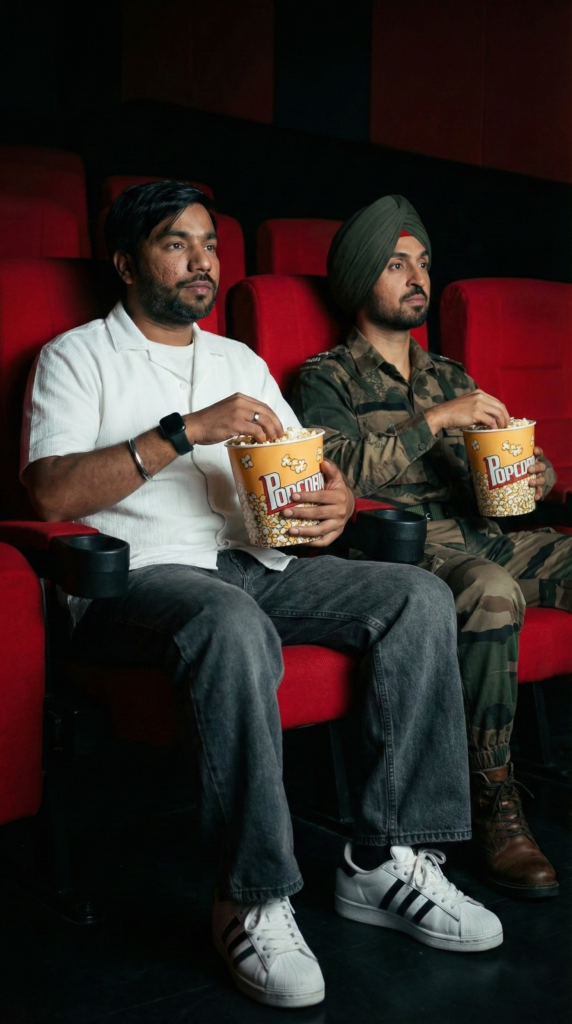
Prompt:
Keep face 100% original and unchanged.
No beauty filter, no AI facial modification.
Preserve skin texture, facial features, expression, and identity exactly as original.
Create an ultra-realistic cinematic photo using the uploaded reference image as the base.
Main Subjects:
Two characters sitting side-by-side in a cinema hall.
Character 1:
Young man (age 20–25), fair to wheatish skin tone, slim build.
White short-sleeve casual shirt, dark grey wide-leg jeans.
White Adidas-style sneakers with black stripes.
Silver bracelet, ring, black Apple smartwatch, black rectangular sunglasses.
Calm, focused expression.
Character 2:
Actor Diljit Dosanjh (Border 2 movie outfit).
Holding a popcorn bucket.
Pose Details:
Both sitting on red cinema seats.
Facing forward, watching the movie screen.
Each holding a popcorn bucket with both hands.
Relaxed posture, legs forward.
Natural cinematic lighting.
🔹 PROMPT 4 (Cinema Couple-Style Sitting)
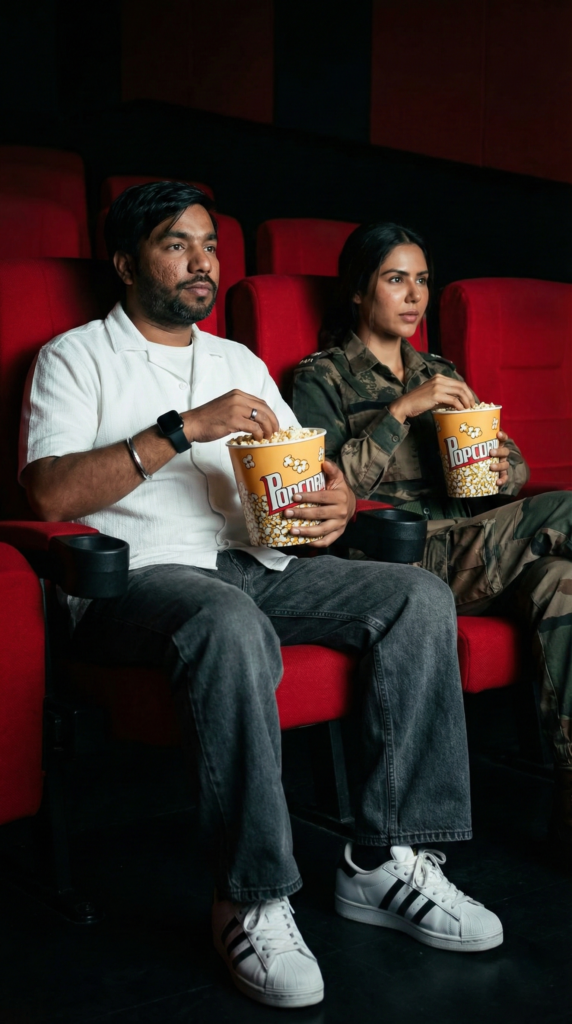
Prompt:
Keep face 100% original and unchanged.
No face reshaping, no beauty filter, no AI facial modification.
Preserve real skin texture, facial features, expression, and identity exactly as original.
Create an ultra-realistic cinematic photo using the uploaded reference image as the base.
Main Subjects:
Two characters sitting side-by-side in a cinema hall.
Character 1:
Young man (age 20–25), fair to wheatish skin tone, slim build.
White short-sleeve casual shirt, dark grey wide-leg jeans.
White Adidas-style sneakers with black stripes.
Silver bracelet, ring, black Apple smartwatch, black rectangular sunglasses.
Character 2:
Actress Sonam Bajwa (Border 2 movie outfit).
Holding a popcorn bucket.
Pose Details:
Both sitting on red cinema seats.
Facing forward, watching the movie screen.
Each holding a popcorn bucket with both hands.
Relaxed posture, legs forward.
Natural expressions, cinematic mood.
🔹 PROMPT 5 (Cinema Duo – Ahan Shetty Version)
Prompt:
Keep face 100% original and unchanged.
No face reshaping, no beauty filter, no AI facial modification.
Preserve skin texture, facial features, expression, and identity exactly as original.
Create an ultra-realistic cinematic photo using the uploaded reference image as the base.
Main Subjects:
Two characters sitting side-by-side in a cinema hall.
Character 1:
Young man (age 20–25), fair to wheatish skin tone, slim build.
White short-sleeve casual shirt, dark grey wide-leg jeans.
White Adidas-style sneakers with black stripes.
Silver bracelet, ring, black Apple smartwatch, black rectangular sunglasses.
Character 2:
Actor Ahan Shetty (Border 2 movie outfit).
Holding a popcorn bucket.
Pose Details:
Both sitting on red cinema seats.
Facing forward, watching the movie screen.
Each holding a popcorn bucket with both hands.
Relaxed posture, legs forward.
Natural cinematic lighting.